#1 Veltrix Learning
Learn About Software Drivers
Explore beginner-friendly educational guides about graphics, audio, printer, network, chipset, USB, and other software driver topics.

Explore beginner-friendly educational guides about graphics, audio, printer, network, chipset, USB, and other software driver topics.
Explore simple educational driver topics and learn how different computer parts communicate with the operating system.
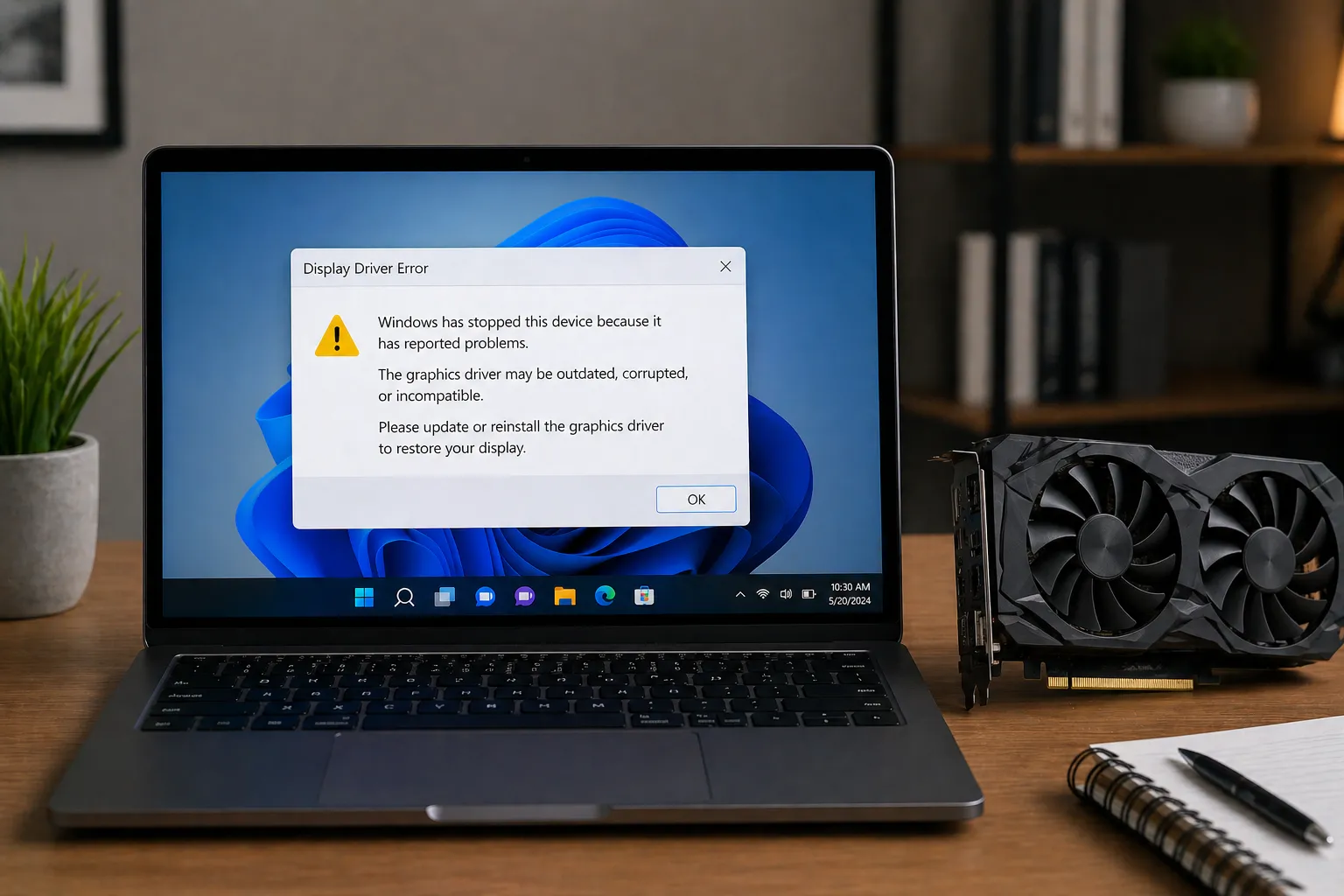
Learn how display drivers help your screen show clear visuals.
Understand how WiFi and Ethernet drivers help your device connect.
Explore how printer drivers help computers and printers communicate.
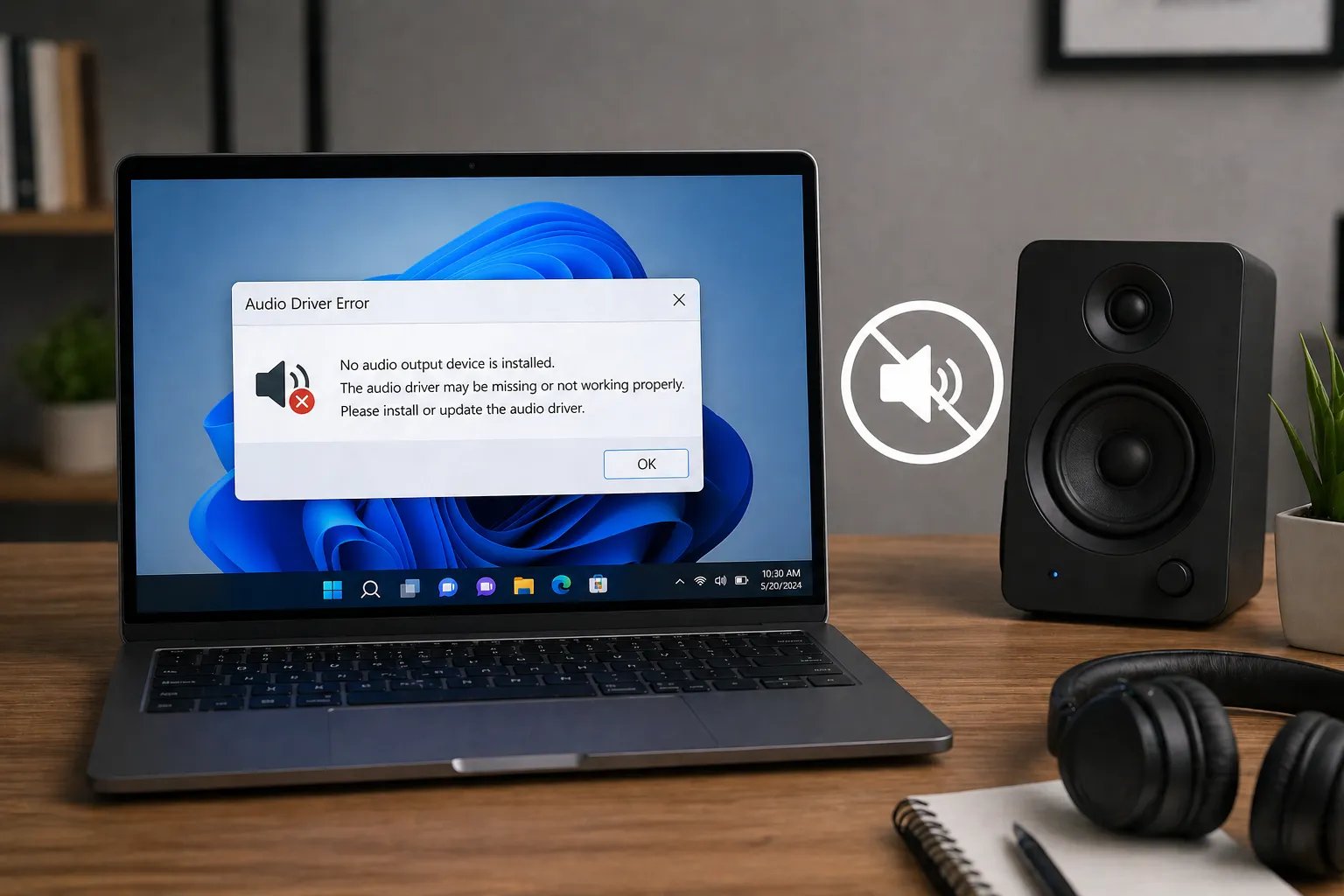
Learn how sound drivers support speakers and headphones.
Discover how chipset drivers help motherboard parts work.
We believe that understanding your computer shouldn't require a degree in computer science. Our mission is to break down complex software driver concepts into simple, educational guides that anyone can understand.
Jargon-free explanations of how hardware and software communicate.
Accurate, up-to-date information focused entirely on learning.

Explore our comprehensive educational guides for various hardware components and their corresponding software drivers.
We focus on making technical knowledge accessible to everyone, ensuring you understand how your computer works from the inside out with jargon-free guides.
Easy-to-follow steps for beginners.
Technically accurate information.
Plain English for everyone.
From mouse to BIOS firmware.

Everything you need to know about computer drivers and how they keep your system running smoothly.
A driver is a small piece of software that tells your computer's operating system (like Windows or macOS) how to communicate with a specific piece of hardware, like a printer, graphics card, or keyboard.
Updates often include performance improvements, bug fixes, and critical security patches. Keeping them current ensures your hardware runs at its best and stays compatible with new software.
While rare, a wrong driver can cause system crashes (Blue Screen of Death) or hardware malfunction. However, most modern operating systems have safety checks to prevent the installation of incompatible drivers.
You can check the "Device Manager" in Windows or use built-in update tools. Common signs of needed updates include hardware not responding, poor performance, or graphical glitches.
Yes, hardware manufacturers provide drivers for free on their official websites. You should always avoid third-party websites that ask for money to provide driver downloads.
Explore our comprehensive library of driver guides and technical insights. Jargon-free and made for everyone.